
For product, growth, and customer success teams who have already won the deal and now need users to show up.
Adoption is the quiet metric that decides renewals. A customer can sign a three-year contract, provision two hundred seats, and still churn if only thirty people use the product by month six. SaaS product animation is usually treated as a marketing expense. Its bigger payoff often comes after the sale, in the short animated demos that teach users what to do next, at the moment they need to do it. Below: where those demos belong, how to build them, and how to tell if SaaS product animation is moving adoption.
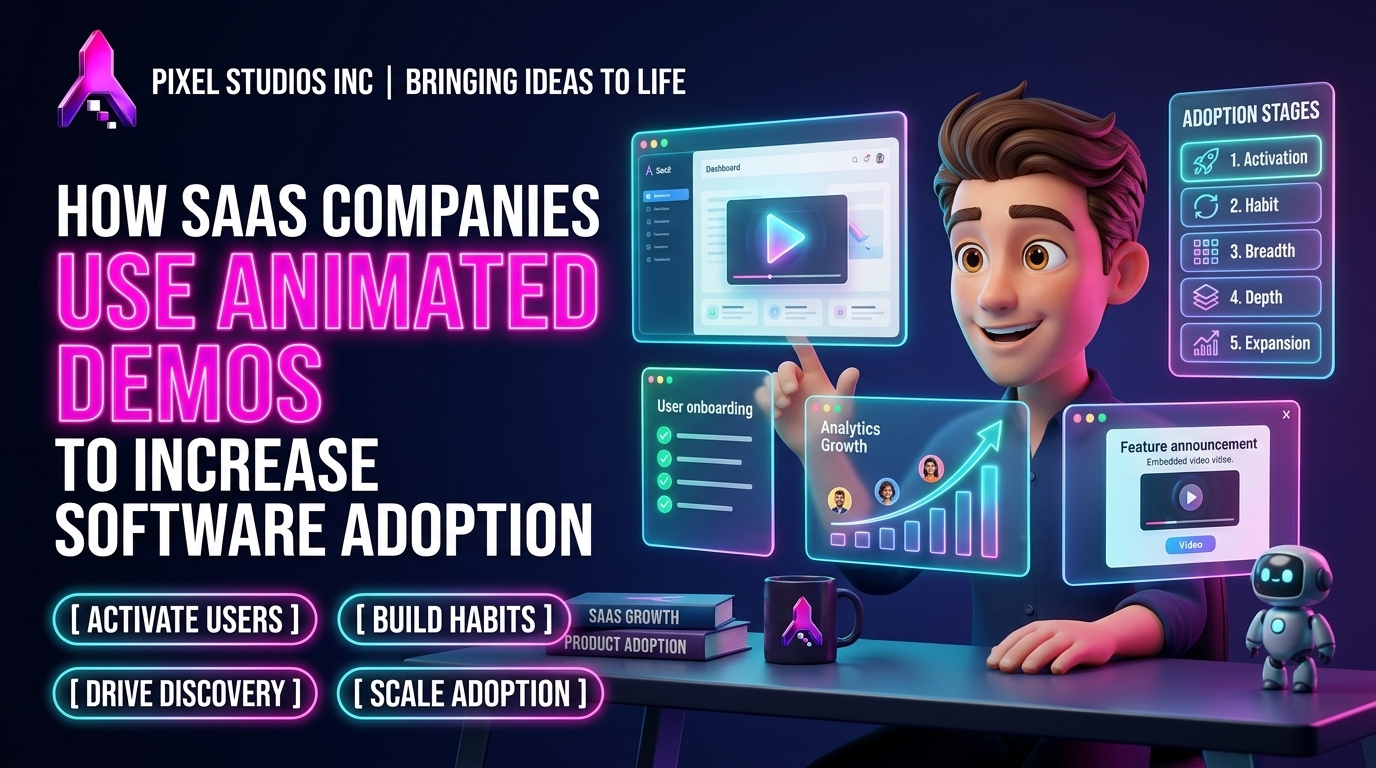
Adoption Happens in Stages
It helps to stop thinking of adoption as one event. Users move through several stages, and each one stalls for a different reason.
- Activation is the first moment a user gets real value: the first report generated, the first invoice sent, the first workflow automated. Users who don’t reach it in their first few sessions rarely come back.
- Habit is when the product becomes part of a routine. The user logs in without being reminded, because the work lives there now.
- Breadth is when users discover features beyond the one they started with. Most products have far more capability than the average user ever finds.
- Depth is when power users adopt advanced functionality such as automation rules, custom dashboards, integrations, and admin controls. These are often the features that justify the price.
- Expansion is when usage spreads to new teams, new use cases, or higher plans.
Animated product demos can help at every stage, but the content, length, and placement change completely from one to the next. A welcome video won’t build depth, and an advanced automation tutorial will overwhelm someone who hasn’t activated yet.
Introduce Your Script
To The World With Our
Explainer Videos

Why Animation Instead of Screen Recordings?
Most SaaS teams already have help center videos, usually recorded by someone on the support team. They have their place. They also have three problems that animation avoids.
First, they’re hard to follow. A full-screen recording shows every menu, notification, and test record, and the viewer has to find the one button that matters. Animated demos can dim everything else, zoom in on the action, and label each step.
Second, they age quickly. Every UI update leaves old recordings showing buttons that have moved or no longer exist. Product demo animation built from layered design files can be updated scene by scene.
Third, they rarely look like part of the product. Animated demos can match your brand, your product’s own motion language, and the illustrations used across your site, so learning feels like part of the experience instead of a detour to a help page.
For a closer look at the tradeoffs, our comparison of software training animation vs screen recording covers cost, clarity, and maintenance in detail.
Where Animated Demos Belong in the Product
The best place for a demo is the exact screen where a user hesitates. Here’s how that maps across the adoption stages.
| Stage | Where the demo appears | What it covers | Length |
| Activation | Empty states, setup checklist, welcome email | The first task that delivers value | 30 to 60 seconds |
| Habit | Weekly digest emails, in-app tips | The routine the product supports | 20 to 45 seconds |
| Breadth | Feature announcements, contextual tooltips | One adjacent feature at a time | 30 to 60 seconds |
| Depth | Help center, admin console, customer success sessions | Advanced setup and power workflows | 1 to 3 minutes |
| Expansion | Account reviews, in-app upgrade prompts | What another team or plan would add | 45 to 90 seconds |
Empty states deserve special attention. When a user opens a new section and sees a blank screen, they’re at the point of highest uncertainty. A short animation showing what the screen looks like once it’s in use, and the one action that gets them there, turns a dead end into a starting point.
Feature announcements are the other big opportunity. Most release notes are text, and most users never read them. A 30-second animation in a product update modal, showing the new feature solving a real problem, gets far more attention and usually far more usage.
Building a Demo Library Instead of One-Off Videos
The teams that get the most from SaaS product animation build libraries, and they plan SaaS product animation the way they plan documentation. One-off videos get commissioned for a launch, used for a month, and forgotten. A library is planned around the product’s core jobs and grows with it.
Start with the activation path. List the three to five tasks a new user must complete to get value, and build a short demo for each. These get watched more than anything else you’ll produce.
Next, cover the features that drive retention. Your product analytics will show which features are used by accounts that renew and expand. If those features have low discovery rates, they’re the next priority.
Then add depth content for admins and power users, where longer formats are fine because the audience is motivated.
Keep a shared visual system across the whole library: the same UI treatment, color for highlights, label style, and transitions. Once those components exist, each new video costs much less than the first, and users learn to read your demos quickly because every one follows the same visual grammar.
This is also where planning with your production partner pays off. Good SaaS animation services will set up source files so that a UI change means updating a single component instead of rebuilding twenty videos.
Marketing and Product Can Share the Same Assets
There’s a useful overlap between the SaaS explainer videos marketing uses to win customers, and the adoption demos product teams use to keep them. Both depend on the same characters, UI recreations, and visual language. Planning them together saves money and keeps the experience consistent from first ad to fiftieth login.
A typical shared system might include a 2D animated explainer video for the homepage, a set of SaaS product demo videos for evaluation and trials, and a library of short in-app demos for adoption. The same product screens appear in all three, at different levels of detail. Our 2D animation services are built around that kind of reusable system, and our page on 2D animated explainer video production shows the marketing end of it.
For products with a hardware component, such as point-of-sale systems, IoT platforms, or medical software paired with devices, 2D and 3D animation videos work well together: 3D for the device, 2D for the software and data. Our 3D animation services handle the hardware side so it matches the rest of the library.
Writing Demos People Will Finish
In-app demos compete with whatever the user was about to do. A few principles keep them watchable.
Cover one task per video. If a demo needs a second task, it needs a second video. Open on the result the user is about to get, such as the finished report or the sent invoice, so they know why the next thirty seconds matter. Show the exact click path at a pace a new user can follow, with the target element highlighted before it’s clicked. End on the outcome. The logo can wait for the marketing cut.
Design for silence. Many users watch in open offices or with notifications muted, so captions and on-screen labels should carry the full meaning, with voiceover as a bonus. Keep text large enough to read inside a small modal or tooltip, since that’s where most of these demos will play.
Match the product’s own language. Button labels, menu names, and terminology in the demo should be identical to the interface. A demo that calls something a “workspace” when the product calls it a “project” creates confusion at exactly the wrong moment.
These principles apply to SaaS product demo videos used in sales as well, but they matter even more inside the product, where the viewer has a task in front of them and very little patience for anything else.
Localization and Accessibility
SaaS products sell globally from day one, and adoption content should travel with them. Animated demos localize well: on-screen text lives in editable layers, voiceover can be re-recorded per language, and UI recreations can switch to the localized interface without new animation. Plan for longer translated labels in the layout, and keep culturally specific visuals to a minimum.
Accessibility deserves the same attention. Captions should be accurate and always available. Avoid rapid flashing, keep contrast high on highlights and labels, and provide a text alternative beside each demo for screen reader users. Respect reduced-motion settings where the product supports them by offering a static step-by-step version. Accessible demos also tend to be clearer for everyone.
Budgeting for an Adoption Library
The first few videos carry most of the cost, because they establish the visual system: UI components, highlight styles, transitions, and any characters. After that, each additional demo reuses those assets and costs a fraction of the first. Many SaaS teams start with five to eight activation and core-feature demos, measure the effect for a quarter, and then commit to a monthly or per-release cadence.
When comparing product video services, ask for pricing on the library as a whole and on ongoing updates, since maintenance is where costs can surprise you. SaaS animation services that quote only for the first batch often leave the expensive part unpriced. Ask for a maintenance rate per scene, a turnaround time for urgent release demos, and a clear list of which source files you’ll receive. With those three answers, you can compare product video services on what the library will cost over two years instead of what the first month costs.
The best SaaS animation services also share a release calendar with your product team, so new feature demos are in production before the feature ships. That way SaaS product animation lands on launch day alongside the release notes, and SaaS product videos for customer success are ready the same week.
Customer Success Teams Are the Hidden Audience
Customer success managers spend a large share of their time explaining the same features to different accounts. Short demos give them a way to scale that work.
A CSM can send a two-minute demo before a quarterly business review so the meeting focuses on strategy instead of training. They can share a set of SaaS product videos with a new team being rolled out at an existing customer, so the rollout doesn’t depend on live sessions. And they can point admins to advanced demos instead of booking another screen-share. SaaS product videos built for this purpose become part of the customer success playbook.
The effect shows up in capacity. A CSM team with a strong demo library can manage more accounts at the same quality, which matters more as SaaS companies push for efficient growth.
How to Tell If Adoption Is Improving
Adoption videos should be judged on adoption, so tie each one to a metric before it goes live.
For activation demos, track the share of new accounts that complete the target task, and how long it takes them. For feature demos, track the feature adoption rate among accounts that saw the demo compared with those that didn’t. Product analytics tools can segment this easily if the demo is tagged.
At the account level, watch the ratio of daily to monthly active users, the number of features used per account, and support tickets per account for topics the demos cover. Over a longer period, compare renewal and expansion rates for accounts with high demo engagement against the rest.
Then use the data to prioritize. Demos with strong viewing and weak task completion usually need a clearer final step. Demos nobody watches usually need better placement before anyone touches the content, which is a cheaper fix than new product demo animation.
Where Adoption Demos Go Wrong
The most common problem is front-loading. Teams build a five-minute product tour and show it to every new user on day one. Most skip it, and those who watch forget most of it before they need it. Short demos placed at the moment of need work far better.
Another is building demos for features nobody needs yet. Teaching an advanced reporting module to someone who hasn’t connected their data is wasted effort. Follow the user’s path and show the next step only.
The third is neglecting maintenance. A demo library that shows an outdated interface damages trust in the product itself. Assign ownership, review the library after each major release, and budget for updates the same way you budget for documentation.
Choosing a Partner for SaaS Video Production
SaaS video production for adoption is different from producing a brand film. Look for a partner who works from your design files, understands product analytics, and can deliver modular content that your team can place in-app, in email, and in the help center. Ask how they handle UI updates, how they keep a consistent visual system across dozens of short videos, and how quickly they can turn around a new feature demo after release.
If you’re comparing options, ask to see both marketing and in-product work from the same client, including SaaS explainer videos and adoption demos side by side. Product video services that cover the whole lifecycle tend to deliver more value than separate vendors for marketing and product, because the visual language carries through. Our SaaS explainer videos page shows how we structure these engagements.
Start Where Users Get Stuck…
Your product analytics already know where new users stall. That screen is where the first adoption demo belongs. Pixel Studios Inc. builds SaaS product animation for the whole lifecycle, from the homepage explainer to the empty state that turns a trial into a habit.
Show us the screen where users drop off, and we’ll sketch the demo that gets them past it.
Introduce Your Script
To The World With Our
Explainer Videos
Frequently Asked Question?
What is SaaS product animation?
SaaS product animation is animated video that shows how software works, using recreated interface screens, highlights, and motion to guide viewers through tasks and features. It is used in marketing, sales, onboarding, feature announcements, help centers, and customer success to make software easier to understand and adopt.
How do animated product demos increase software adoption?
They teach users the next useful step at the moment they need it. Short demos in empty states, setup checklists, feature announcements, and help content reduce confusion, speed up activation, and help users discover features they would otherwise miss, which supports retention and expansion.
Are SaaS product demo videos better than screen recordings for onboarding?
For core onboarding and feature adoption, usually yes. Animated demos remove clutter, focus attention on the right element, match the brand, and can be updated scene by scene when the interface changes. Screen recordings still work for quick internal guides and fast-changing edge cases.
How long should product demo animation be for in-app use?
Most in-app demos work best at 20 to 60 seconds and cover a single task. Advanced admin and power-user content can run one to three minutes, since that audience is motivated and usually watching in the help center or during a customer success session.
What should SaaS video production for adoption include?
Expect scripting based on real user tasks, UI recreation from design files, a consistent visual system across all videos, captions, multiple formats for in-app, email, and help center use, and organized source files so future product updates are quick and affordable.

