
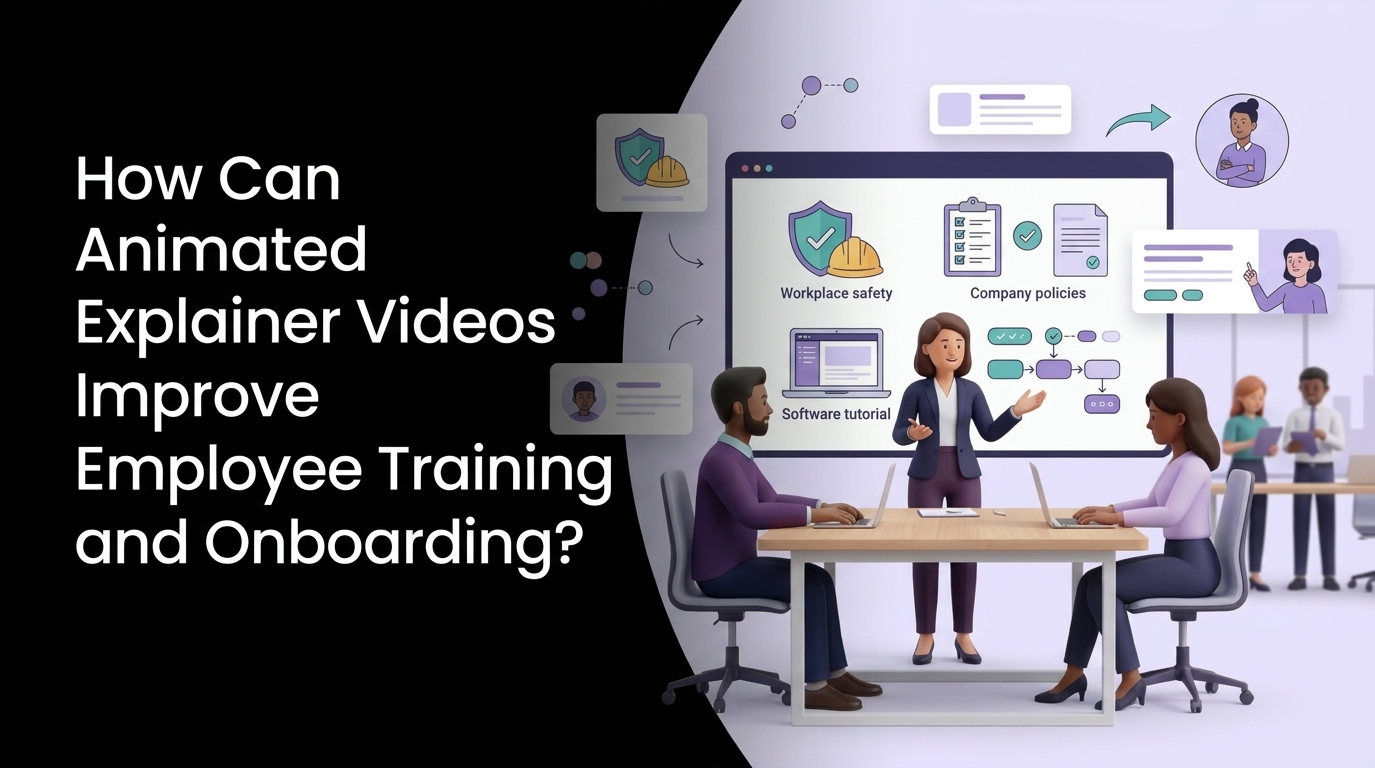
Give every new hire the same clear start, from day one to day ninety.
Strong onboarding improves new-hire retention by 82% and productivity by more than 70%, according to Brandon Hall Group research for Glassdoor. The hard part is delivering that strength consistently, across managers, offices, and time zones. Animated training videos solve the consistency problem because the hundredth hire gets the same clear explanation as the first. This guide covers why animation helps people learn, which styles suit which training goals, an eight-step build plan, and the three mistakes that quietly kill most training libraries.
Why Does Onboarding Fall Apart by Week Three?
Most onboarding programs collapse under three pressures at once. New hires receive a flood of policy, process, and product detail in their first two weeks. Each manager explains that material a little differently. And the explanations live in slide decks, wikis, and PDFs that nobody revisits once the welcome lunch is over.
The result is predictable. Industry surveys compiled by HiringThing show 88% of companies admit they don’t onboard well, even though structured programs help employees reach full proficiency 34% faster than short, paperwork-heavy ones. The gap between knowing onboarding matters and doing it well is mostly a delivery problem. Content exists; it just isn’t packaged in a way people absorb, remember, and return to.
That is the job animated training videos do well. They turn scattered information into short, repeatable lessons that look the same in Chicago and London, at 9 a.m. or 11 p.m. If you want the broader foundation first, our overview of what animated training videos are and why they improve retention covers the format in depth.
Introduce Your Script
To The World With Our
Explainer Videos

What Makes Animation Stick When Slide Decks Don’t?
Animation works because it matches how memory forms. Three well-studied learning principles explain most of the effect.
Dual Coding: Words and Pictures Together
Allan Paivio’s dual coding theory holds that people store verbal and visual information through separate channels, and recall improves when both are used together. A narrated animation showing an expense claim moving from submission to approval gives the brain two routes back to the same memory. A paragraph in the employee handbook gives it one.
Signaling and Segmentation
Richard Mayer’s research on multimedia learning found that people learn better when key information is highlighted (signaling) and when lessons are broken into learner-paced chunks (segmentation). Animation does both naturally. Arrows, color shifts, and zooms tell the viewer exactly where to look, and a series of three-minute modules lets a new hire pause, replay, and move on when ready.
Spacing Against the Forgetting Curve
Hermann Ebbinghaus showed that memory decays steeply without review. Short videos are easy to re-serve at day 7, day 30, and day 60, which is the logic behind animated microlearning. A two-hour orientation can’t be repeated; a 90-second refresher can be pushed to a phone in seconds.
Put together, these principles explain why custom explainer videos outperform recorded lectures for onboarding. They lower cognitive load by showing only what matters, and they make repetition cheap.
Which Explainer Style Fits Which Training Goal?
Each animation style carries a different cost, tone, and best use. Match the style to the learning goal before anything else.
| Training goal | Best style | Why it works | Typical module length |
| Culture, values, company story | Character-led 2D explainer animation | Characters model behavior and make abstract values relatable | 2 to 4 minutes |
| Process and policy | Motion graphics explainer videos | Clean icons, flowcharts, and text make steps easy to follow | 1 to 3 minutes |
| Concept-heavy topics | Whiteboard animation | The drawing hand paces information and holds attention | 2 to 5 minutes |
| Software and internal tools | SaaS explainer videos with animated UI | Simplified screens skip clutter and survive interface updates | 1 to 2 minutes per task |
| Equipment and safety | 3D animation | Shows hazards and internal mechanics without real-world risk | 2 to 4 minutes |
| Quick refreshers | Micro motion graphics | Fast recall checks pushed to mobile | 30 to 90 seconds |
A few notes on these choices. 2D explainer animation is the default for most onboarding because it balances warmth and budget, and our 2D animation company covers everything from character design to final edit. For dense policy material, motion graphics keep the screen clean and the pace brisk.
Whiteboard deserves its own mention for complex topics; this piece on how whiteboard animation improves employee training and onboarding explains when it beats other styles. Software training is its own category, and the comparison of software training animation vs screen recording shows why animated UI ages better than raw captures.
Six Onboarding Moments Built for Animated Training Videos
Some onboarding content works fine as a document. These six moments almost always perform better as video.
1. Day-One Welcome and Culture
The first message a new hire sees sets their expectations for everything after it. A two-minute animated welcome that explains the mission, introduces leadership through illustrated characters, and shows how teams connect gives every hire the same story. Business explainer videos built around culture also double as recruiting content on careers pages. The same welcome module can open quarterly all-hands meetings, which gives leadership one consistent story to repeat. Many HR teams find that a set of business explainer videos on mission and values outlasts every printed welcome pack they have produced.
2. Compliance and Policy
Harassment prevention, data privacy, and code of conduct training are mandatory and often dreaded. Scenario-based animation turns rules into situations, which makes the right choice easier to recognize on the job. Teams in regulated sectors can see how this fits wider programs on our finance animation and insurance animation pages.
3. Health and Safety
Showing a real forklift tipping over is dangerous and expensive. Animating it costs neither. Our guide to how animated safety training visualizes risk without real-world danger explains how studios depict hazards accurately, and plants and warehouses can find sector examples on our manufacturing animation page.
4. Software and Systems
New hires often lose their first week to logins, dashboards, and ticketing tools. Short SaaS explainer videos, one per task, let them self-serve answers instead of interrupting a colleague. Software companies onboarding customers can reuse the same assets, which is why our SaaS explainer videos often serve product and HR teams at once.
5. Product Knowledge
Sales and support hires need to understand the product before they can talk about it. Animated product walkthroughs explain features, use cases, and common customer objections in a fraction of the time a shadowing week takes. Custom explainer videos built for the sales floor also become the reference library reps return to before a big call, long after onboarding ends.
6. Role-Specific Processes
Every department has its own way of doing things. Short process animations for each team, from month-end close to patient intake, shorten time-to-competence and reduce the questions that slow down experienced staff. Healthcare organizations will find role-specific examples on our healthcare animation page.
For a wider look at structuring these moments across the first 90 days, our guide on how to use animation for new employee onboarding maps content to each stage of the ramp-up period.
Training Videos and Promotional Explainer Videos: Same Format, Different Job
Training videos, marketing videos, and general business explainer videos share tools and techniques, and the brief is where they split. Promotional explainer videos are built to persuade a stranger in 60 to 90 seconds: hook, problem, solution, call to action. Animated training videos are built to change behavior in someone who has already joined. They can be slower, more detailed, and more repetitive, because the viewer needs to perform the task afterward.
| Factor | Promotional explainer videos | Animated training videos |
| Goal | Attention and conversion | Understanding and behavior change |
| Audience | Prospects with no context | Employees with some context |
| Length | 60 to 90 seconds | 1 to 5 minutes per module |
| Structure | Single story arc | Series with recall checks |
| Success metric | Click-through, sign-ups | Completion, quiz scores, time-to-competence |
Teams that try to repurpose promotional explainer videos as onboarding content usually find them too shallow. The reverse is also true: a training module makes a weak ad. Plan them as separate deliverables, even when the same studio and visual style produce both. A capable animated explainer video company will push back if you try to merge the two briefs, and an explainer video production company that treats them identically is a warning sign.
How to Build an Onboarding Video Library: An 8-Step Checklist
Use this sequence to go from scattered documents to a library people finish.
- Audit your first 90 days. List every piece of information a new hire receives, who delivers it, and when. Flag the topics that generate the most repeat questions.
- Pick the top five video candidates. Prioritize content that is stable, repeated for every hire, and hard to explain in text. Policies that change monthly belong in documents.
- Set one learning objective per module. “After this video, a new hire can submit an expense claim correctly.” If you can’t write the objective in one sentence, split the module.
- Write the script before choosing visuals. Keep scripts conversational and under 150 words per minute of video. Our guide on how to write an explainer video script applies directly to training content.
- Match the style to the goal. Use the table above. Consistency matters too, so keep one visual system across the whole library.
- Plan for your LMS. Decide early on file formats, captions, and tracking. This guide to structuring SCORM-friendly animated learning modules covers the technical side.
- Pilot with one cohort. Measure completion rates, quiz scores, and the number of questions new hires ask in their first month, then compare against the previous cohort.
- Schedule refreshers and reviews. Push short recaps at day 7, 30, and 60, and review every module every 12 months for accuracy.
Three Beginner Mistakes That Sink Training Video Programs
Most failed training libraries fail for the same few reasons. Avoid these three and you are ahead of most programs.
Mistake 1: Turning the Handbook Into a Script
Reading a policy document aloud over moving icons produces a long, dense video nobody finishes. Training scripts should cover what the viewer needs to do, the one or two reasons it matters, and what to do when something goes wrong. Everything else stays in the reference document, linked from the video page.
Mistake 2: One Long Video Instead of a Series
A 25-minute “complete onboarding video” feels efficient to produce and fails in practice. Completion rates drop as runtime grows, and nobody rewatches a half-hour file to find one answer. Break content into a series of short modules with clear titles so employees can find the exact lesson they need months later.
Mistake 3: Treating Launch as the Finish Line
Tools change, policies update, and offices move. A library with outdated screens quickly loses trust, and once employees stop trusting it, they stop watching it. Build in an annual review, keep source files, and ask your studio to design modules so individual scenes can be updated without rebuilding the whole video.
Should You Use an Animated Explainer Video Maker or Hire a Studio?
DIY tools have a real place in training. An animated explainer video maker with templates can produce simple internal announcements quickly and cheaply. The trade-off shows up at scale: templates look generic, branding drifts across modules, and complex topics such as safety or software need custom visuals the templates don’t offer.
An experienced explainer video production company brings scriptwriting, instructional design input, custom illustration, voiceover, and LMS-ready delivery under one roof. When you compare the best animated explainer video companies, look for a training portfolio specifically, since promotional work alone doesn’t prove a studio can teach. Ask any animated explainer video company you shortlist for two training samples and a module plan, then compare how each one structures learning objectives. Our guide on how to choose an animated training video company lists the questions to ask on discovery calls.
Budget is the other factor. The cost of animated explainer video work for training depends on style, length, and how many modules share assets; libraries that reuse characters and backgrounds get cheaper per module as they grow. This breakdown of animated training video cost by module, style, and length gives realistic ranges, and our general explainer video cost guide covers single-video pricing.
A good animated explainer video company that offers animated video services across HR, sales, and product will also help you decide what not to animate. Some topics belong in a quick document, and a partner offering animated explainer video services for training should say so. Look for an animated explainer video creation service that handles the full chain, from scripts and storyboards to animated explainer video production and final files, so your HR team isn’t managing five vendors.
A single explainer video production company that owns the full chain also keeps voice, color, and characters consistent as the library grows past fifty modules. Larger organizations can see how this scales across departments on our enterprise animation page.
Ready to Give Every New Hire a Better First Week?
Your onboarding already contains the right information. Animated training videos make sure every hire absorbs it the same way, remembers it longer, and finds it again when they need it. Pixel Studios Inc. builds custom explainer videos for HR, L&D, and operations teams, from single welcome videos to full multi-module libraries ready for your LMS. Our animated video services cover scripting, illustration, voiceover, and SCORM packaging, so your team reviews drafts instead of chasing vendors.
Explore our animated explainer video services to see the styles we produce, or visit our educational video production page for training-specific formats. When you’re ready, request a free onboarding video consultation and we’ll help you choose the first five modules worth building.
Introduce Your Script
To The World With Our
Explainer Videos
Frequently Asked Question?
How long should animated training videos be?
Most animated training videos work best at 1 to 5 minutes per module. One learning objective per video keeps attention high and makes lessons easy to find later. Longer topics should be split into a series, with short 30 to 90 second refreshers sent after the main training.
Are animated explainer videos effective for compliance training?
Yes. Scenario-based animation shows employees realistic situations and the right response, which makes policies easier to apply on the job. Animation also handles sensitive topics such as harassment or data breaches without filming real people, and it can be updated when regulations change.
What is the difference between 2D explainer animation and motion graphics explainer videos for training?
2D explainer animation uses illustrated characters and scenes, which suits culture, soft skills, and scenario-based lessons. Motion graphics explainer videos rely on icons, shapes, charts, and text, which suits processes, data, and step-by-step policies. Many training libraries use both, matched to each module’s goal.
Can animated training videos work with our LMS?
Yes. Training animations can be delivered as MP4 files with captions or packaged as SCORM or xAPI modules with quizzes and completion tracking. Agree on the format with your studio before production so the videos plug straight into your learning management system.
How much does it cost to produce animated training videos?
Pricing depends on style, length, number of modules, and revisions. A single custom module often costs less per minute when it is part of a larger library, because characters, backgrounds, and design systems are reused. A studio offering animated video services for training should provide a per-module estimate after a short discovery call.

